James 5:16
FiveSixteen is built around three simple areas — Prayer Requests, My Private Prayers, and Answered Prayers — so you always know exactly where to look, and exactly where to add what's on your heart.
On iPhone? "Open On Web" works right in your browser — no App Store listing yet.
Area one · Prayer Requests
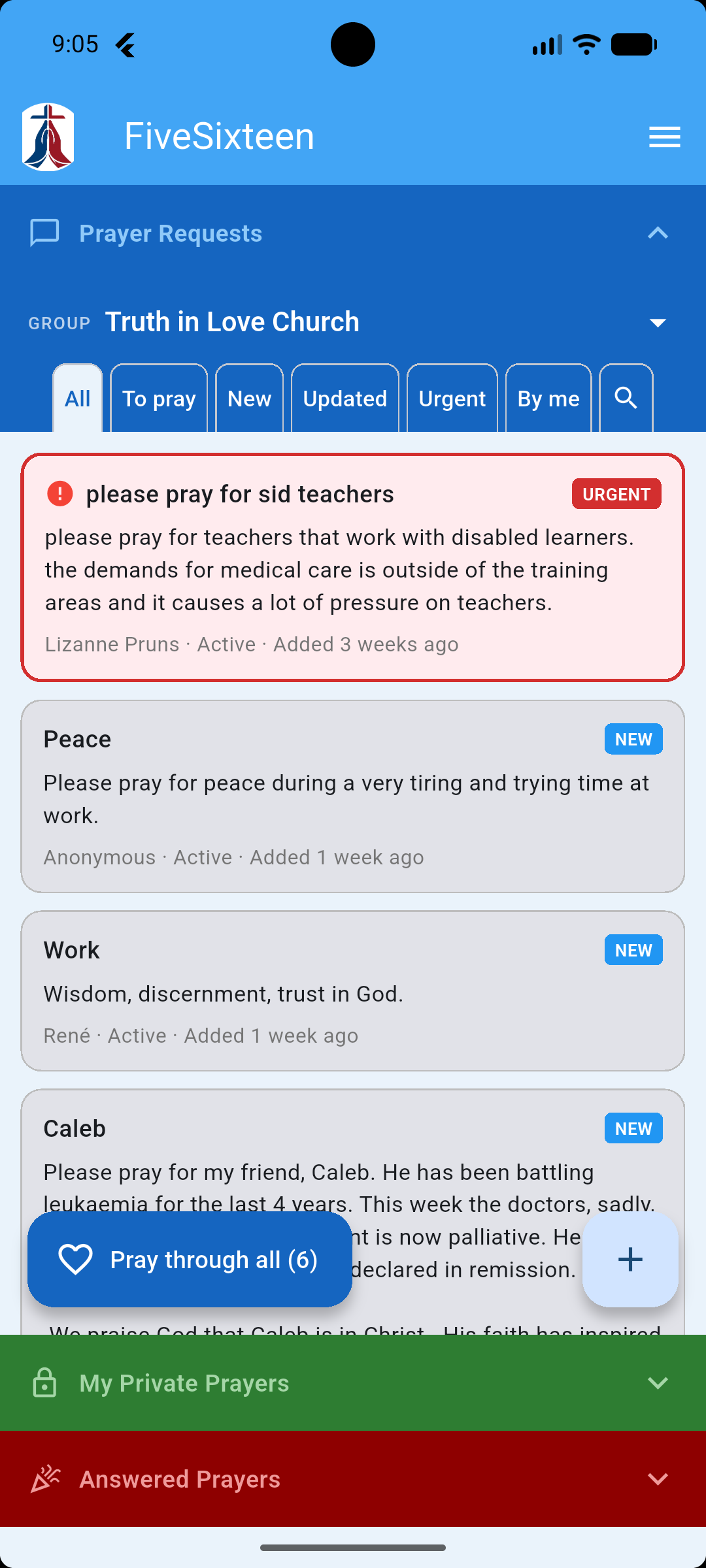
Every group has its own request list, always just a tap away. No feeds, no likes, no noise — just the requests your group has shared, and a simple way to follow and pray through them.
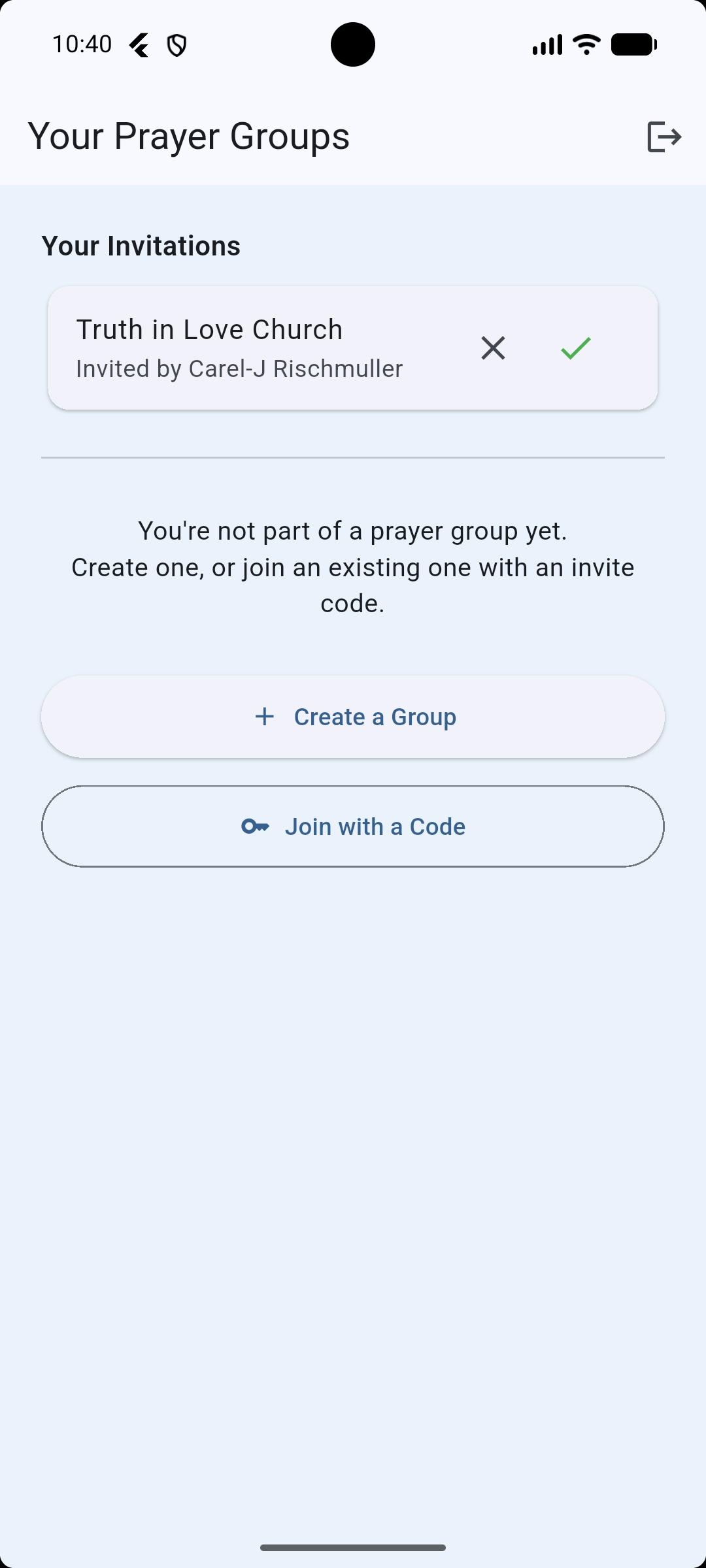
Start a group of your own, join an existing one with an invite code, or accept an email invitation someone sent you — all from one screen when you sign up.
Tap a tab — All, To Pray, New, Updated, Urgent, or By Me — or search to find a specific request. Tap the + to add one of your own in a couple of taps.
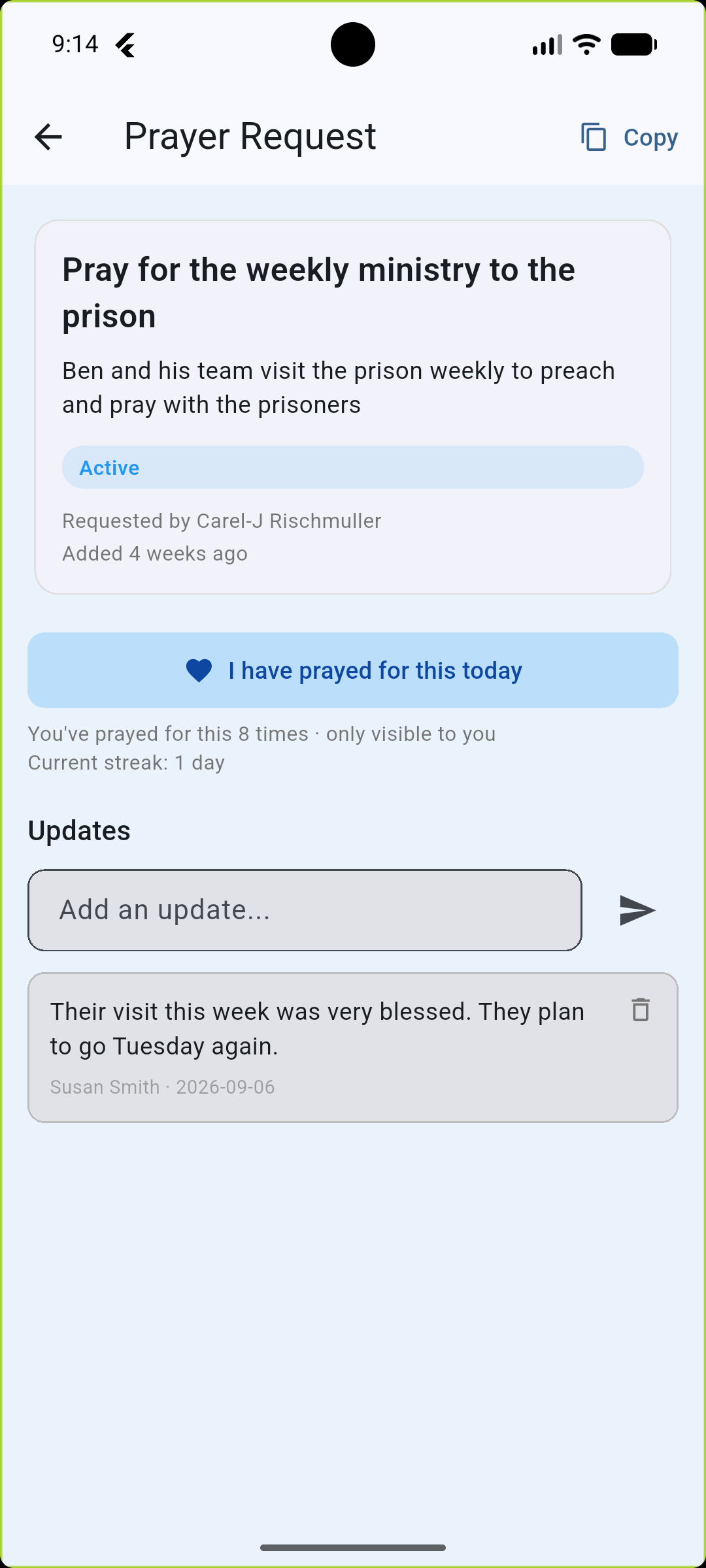
Open a request to read the full detail, mark that you prayed for it today, and add updates as things change — a running record kept right alongside the original request.
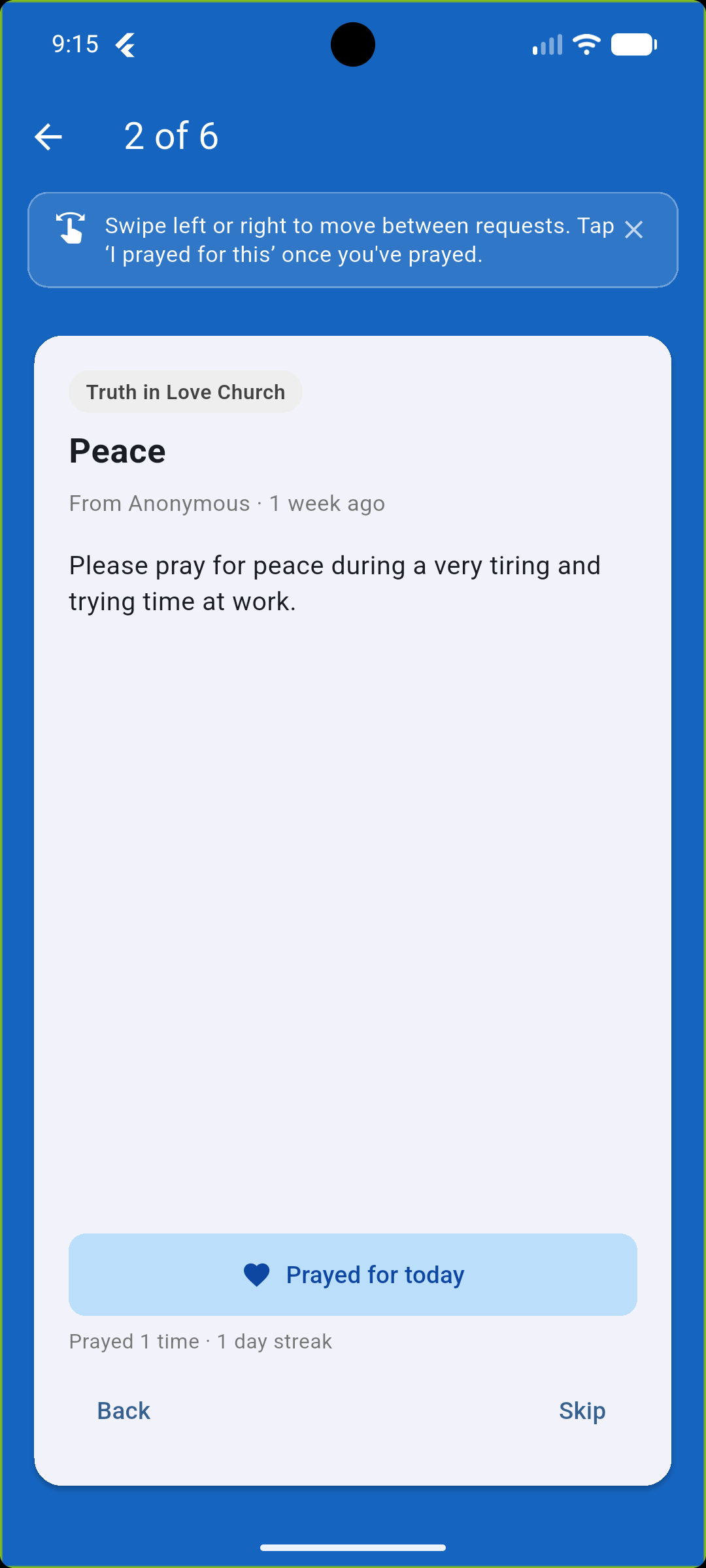
Tap Pray Through All and step through your group's requests one card at a time — mark each as prayed for and move on, no scrolling or hunting mid-prayer.

Area two · My Private Prayers
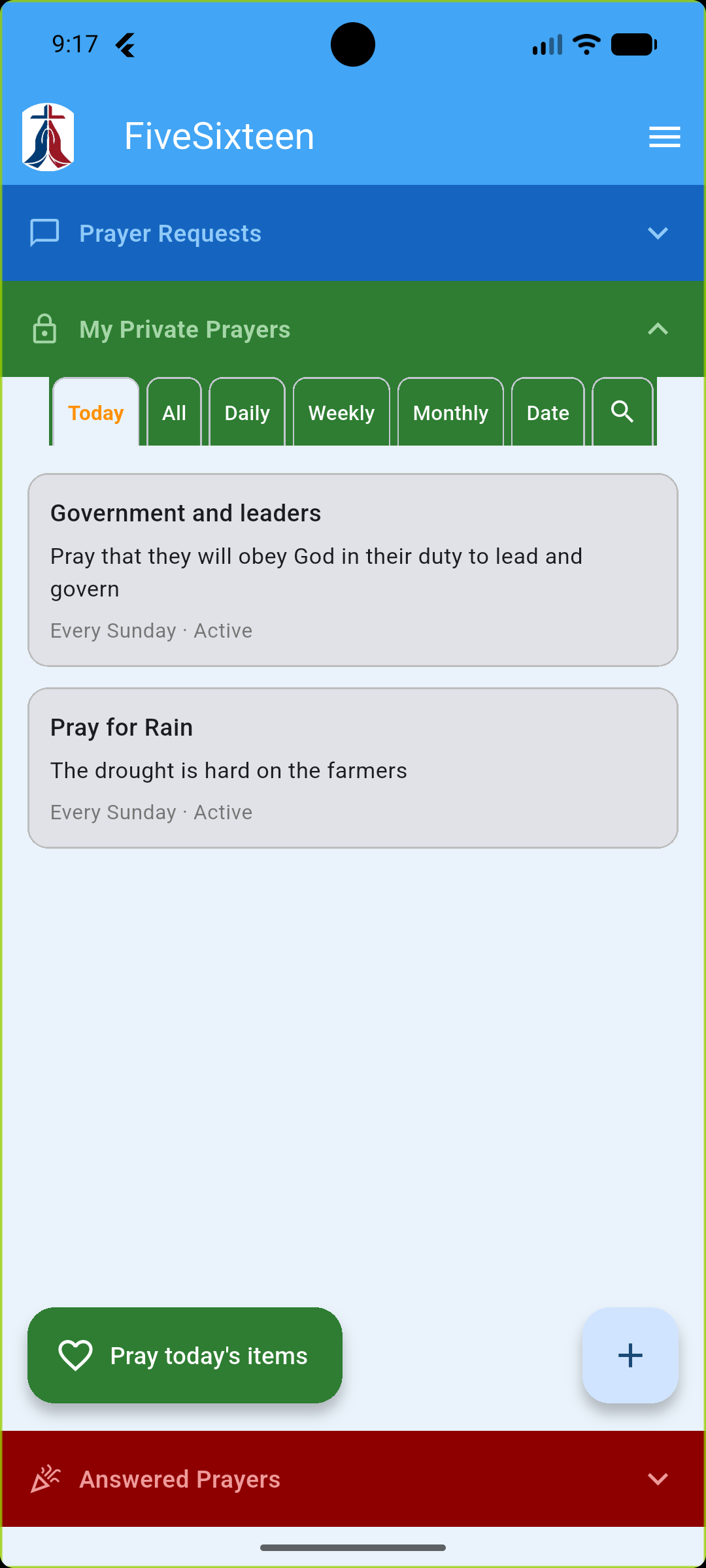
Alongside your groups, FiveSixteen gives you a private space for the things you're praying about on your own — never shared, never seen by anyone else, not even a group admin.
Browse by Today, Daily, Weekly, Monthly, or Date — or search for a specific one. Only what's due today ever shows up on the Today tab.
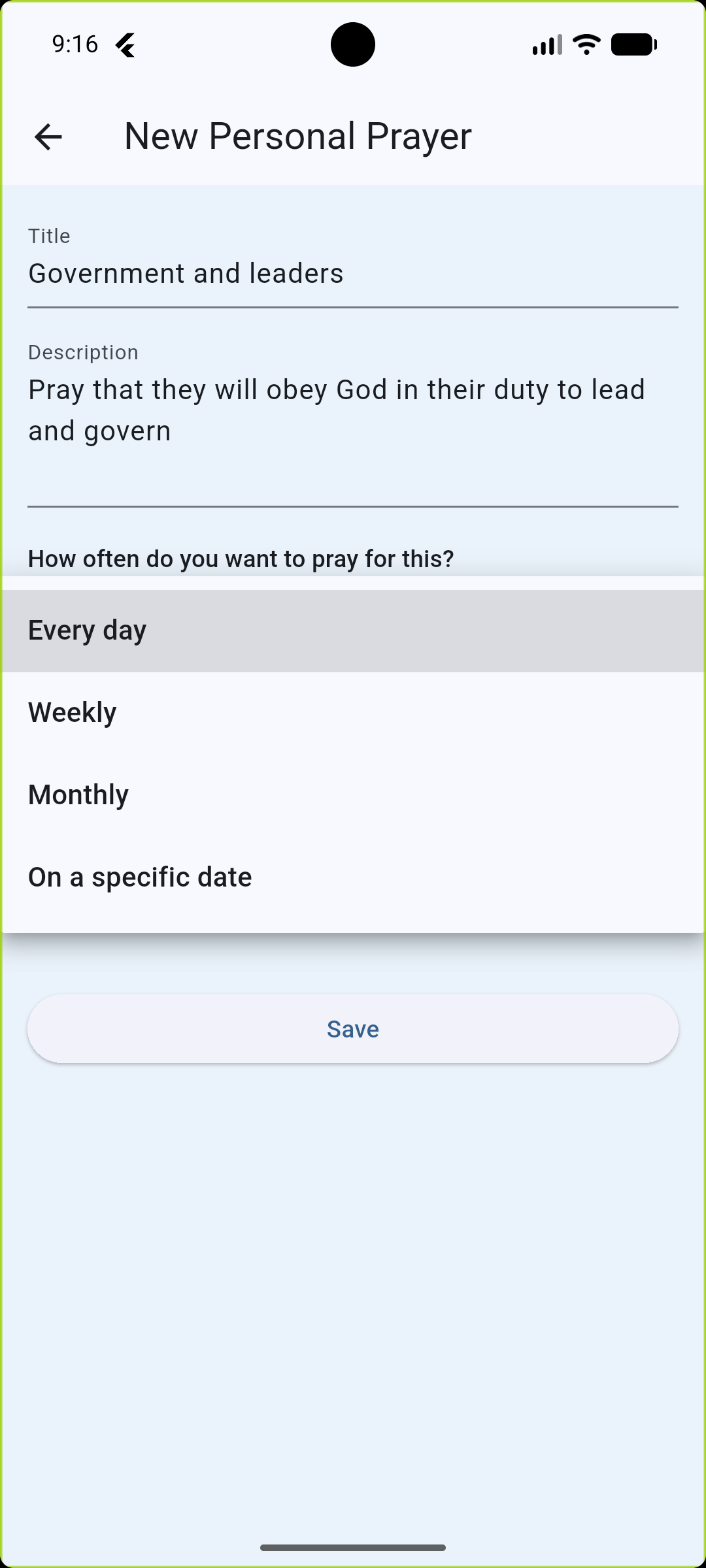
Set each private prayer to come up every day, on chosen days each week, monthly, or on one specific date, and mark it as urgent if it needs to stand out.
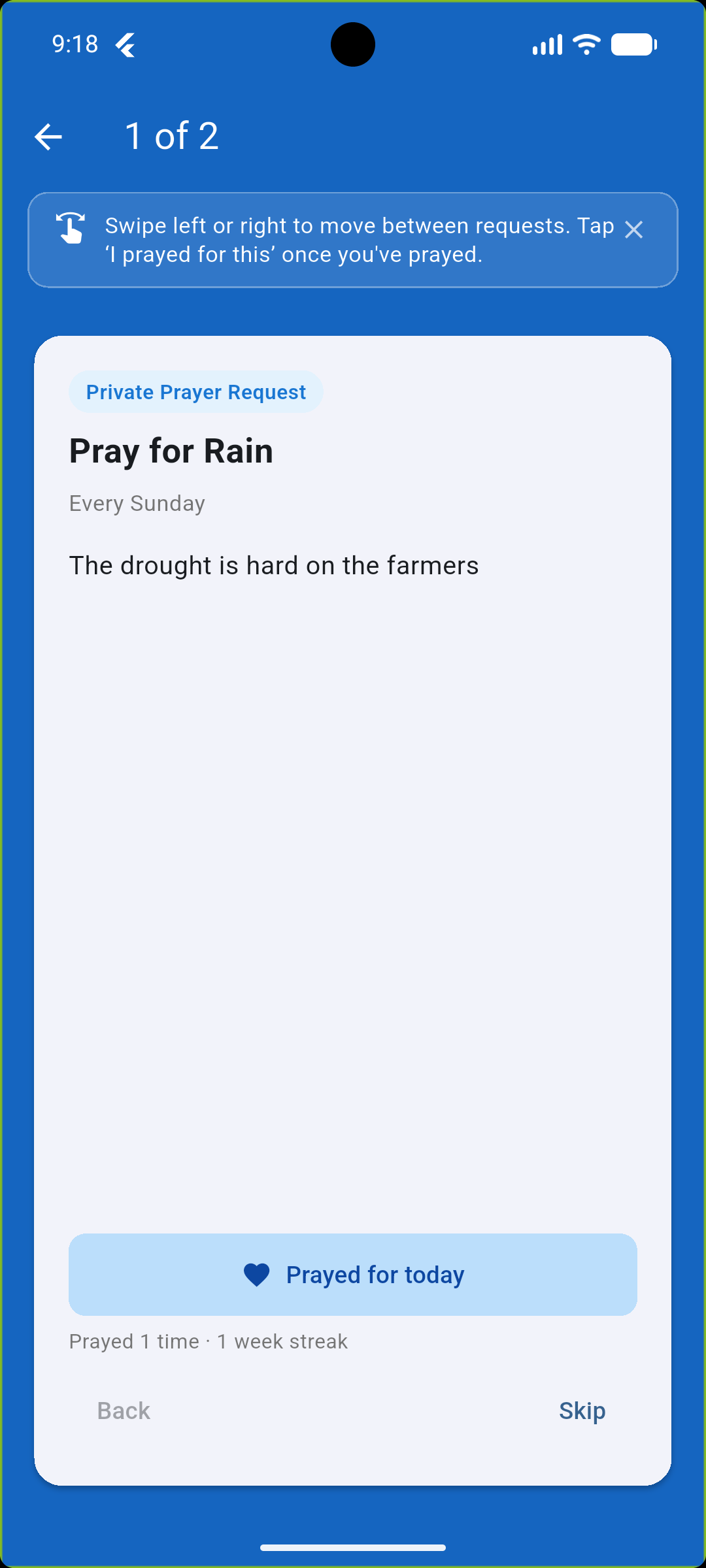
Tap Pray Today's Items to step through what's due, one card at a time — and it quietly keeps count of how many times you've prayed for it in all.
Area three · Answered Prayers
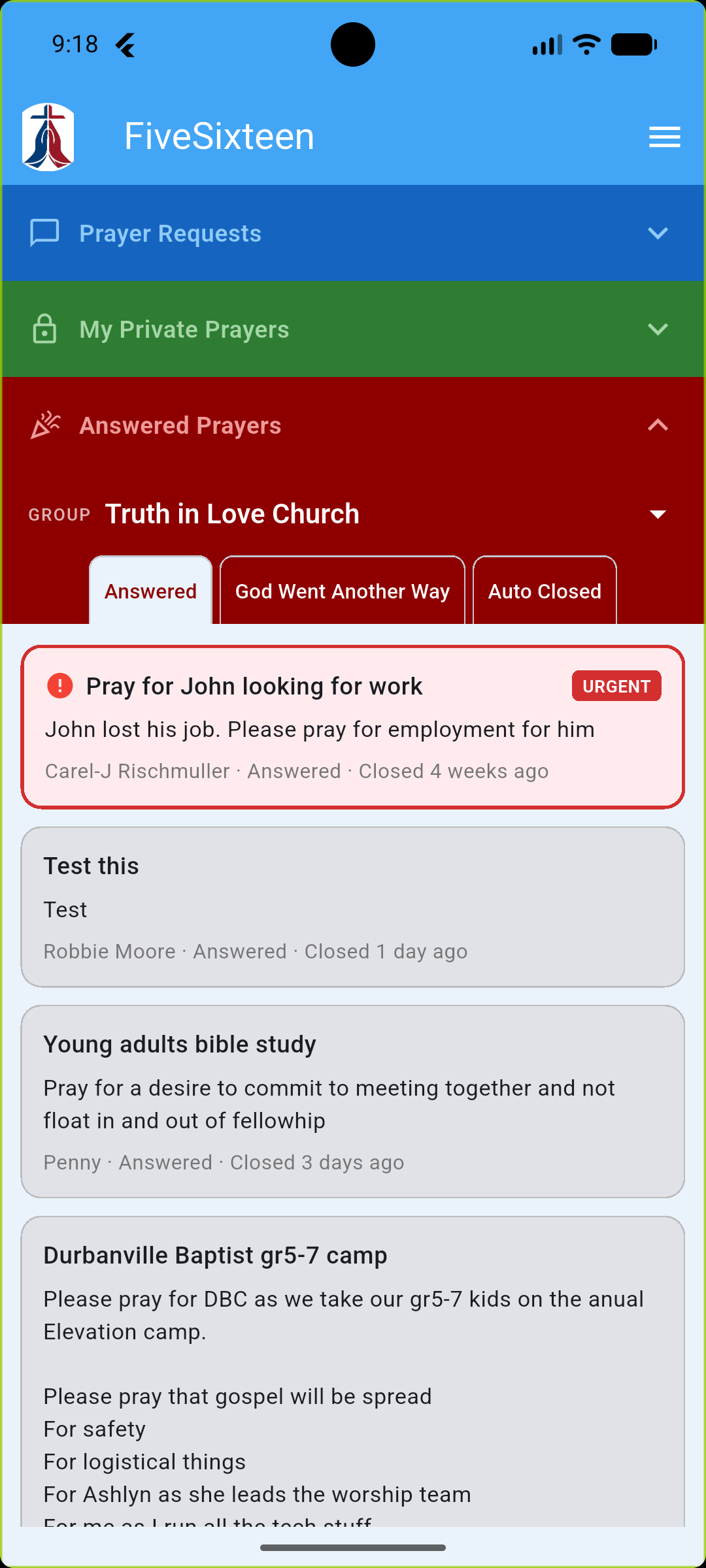
A dedicated place to see everything that's been answered, closed, or went another way — for any group you're in, or for your own private list.
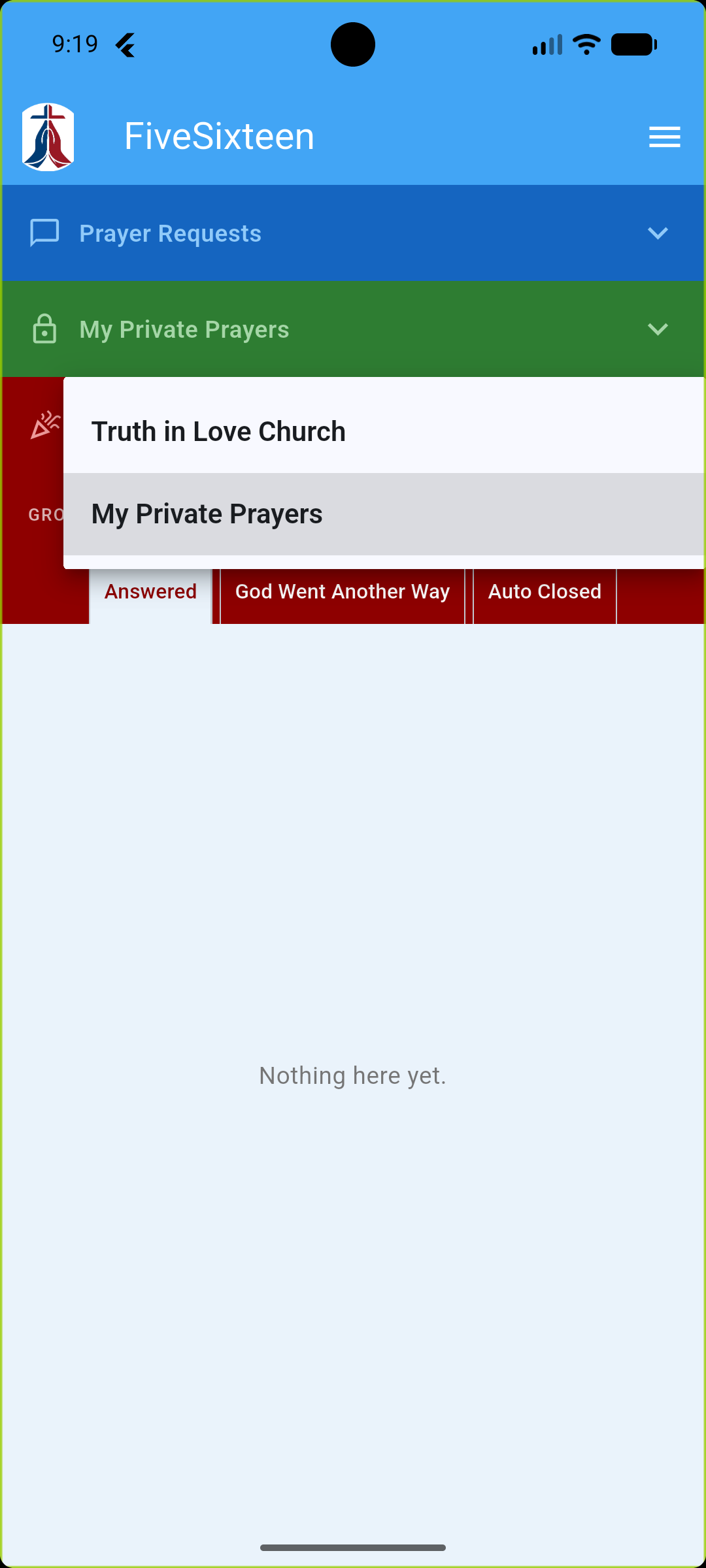
Switch between your groups the same way you do in Prayer Requests, and look back through everything marked Answered, God Went Another Way, or Auto-Closed.
Pick "My Private Prayers" from the same selector to see the answered history from your own private list — kept just as private as the list itself.
Getting started
Start a new group for your church or circle, join one with an invite code, or accept an email invitation — then share what's on your heart.
Keep a private list for the things you're praying about on your own, on whatever schedule fits — daily, weekly, monthly, or a single date.
Mark requests as prayed for along the way, then look back through Answered Prayers to see how your group's — and your own — prayers were answered.
James 5:16
FiveSixteen is free to use. If it's meaningful to your group, you're always welcome — never asked — to support it with a donation.
With thanks
Renee Rischmuller · Mary Basson · Penny Symons · Robbie Moore · Andre Erasmus · Bradley Salzwedel · Finlay Southey · Gerhard du Toit · Maureen Marud · Colin Alford · Kylie Lindsay · Rene Alford · Zaan Redelinghuys